Best Digital Business Card Apps for Teams 2026
For online businesses and remote teams, having a digital business card ensures brand consistency and helps your team share information instantly with prospects, partners, and clients.
Whether your team attends virtual events, in-person meetups, or hybrid conferences, having a seamless way to share contact details is essential. That’s where digital business card apps step in.
We tested some of the top apps to see which one actually saves time and scales with your business and compare the 7 best tools for different needs. Check out!
7 Great Digital Business Card Apps for Teams
In the online corporate world, digital business cards help turn abstract brands into something tangible and trustworthy.
When every team member has a well-designed card, the company presents a consistent image and creates a strong bridge between offline interactions and online presence.
Digital business card apps are awesome tools that make networking faster, smarter, and more memorable.
In this guide, we’ll explore some of the best digital business card apps — solutions that help your company and crew look professional and stay connected no matter where they are.
– Corporate Education and Online Training in Companies
1. Wave Connect: The Scalable Choice for Teams
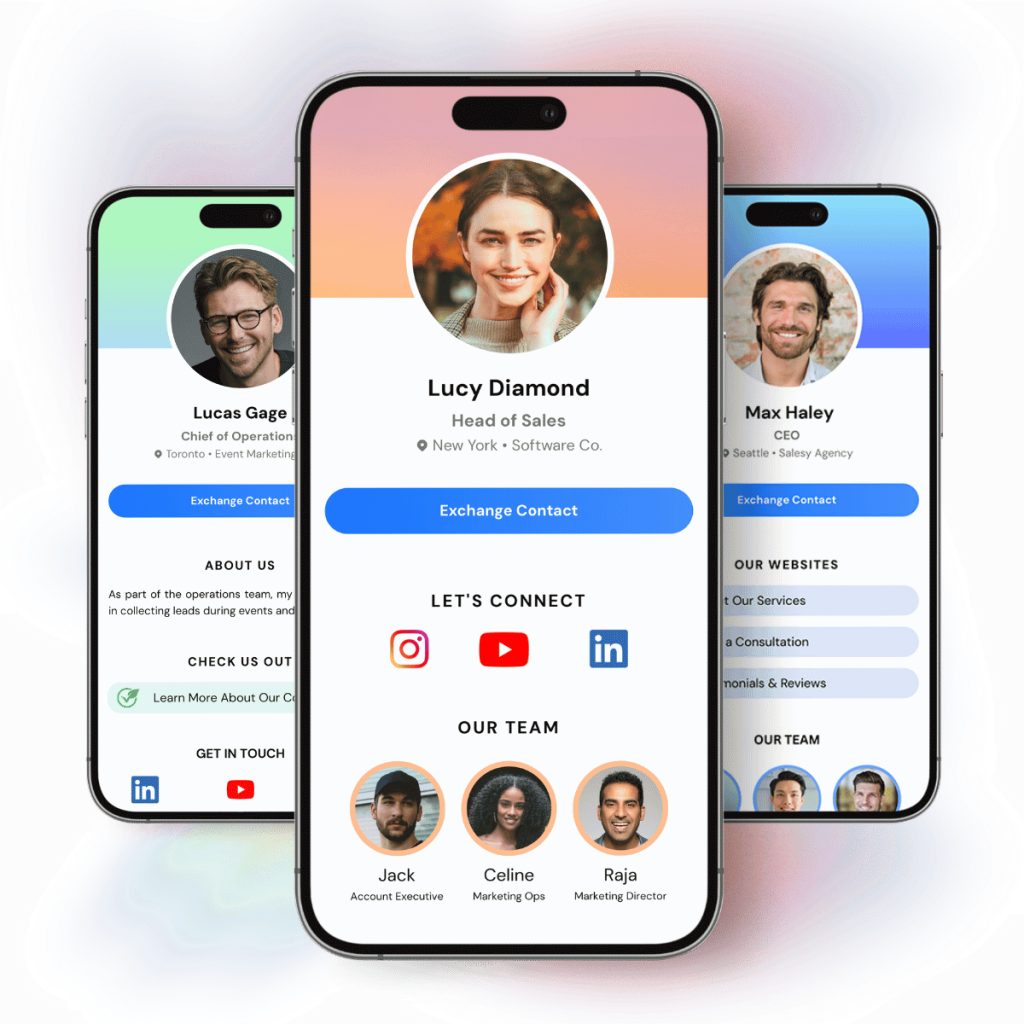
Wave Connect is a digital business card platform designed specifically for teams and enterprises.
If you need to manage 5, 500, or 5000 employees, Wave gives you a central dashboard to control everything.
Key Features of Wave Connect
- Centralized Management: Update every card in your company from one admin panel.
- Bulk Edits: Change a job title or office address for 50 people in one click.
- Permissions & Roles: Decide what employees can edit and what stays locked to brand guidelines.
- Highly Rated: Consistently rated as a top choice for teams and enterprises.
What We Like About It
The interface is incredibly user-friendly. You do not need an IT degree to set it up. It solves the “rogue branding” problem. Marketing teams can set the templates, and sales teams just use them. It ensures everyone looks professional and consistent.
Things to Consider
Wave is focused on software and scalability. If you are looking for a company that primarily sells physical accessories like NFC rings or bracelets, this might not be your first pick.
Our Take on Wave Connect
If you are a business leader, HR manager, or sales director, this is the one for you. Wave takes the headache out of managing team credentials. It is built for growth.
2. Canva: Best for Design Freedom
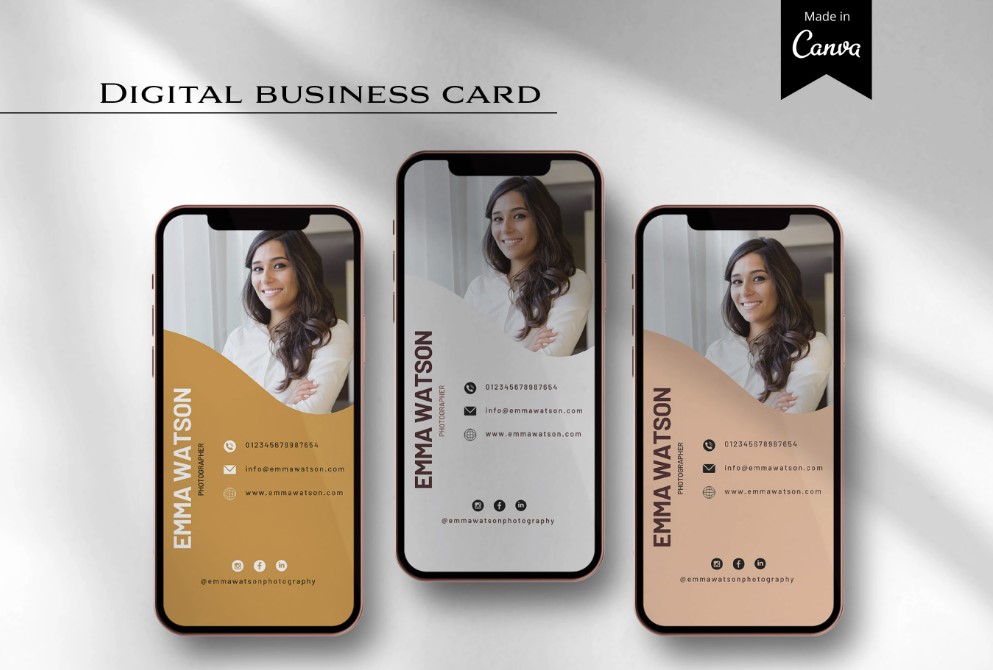
Everyone knows Canva. It is the king of DIY design.
You might not know that you can actually publish your designs as websites. This effectively turns a design into a digital business card.
Key Features of Canva
- Publish as Website: Converts your design into a mobile-responsive link.
- Infinite Templates: Thousands of layouts to choose from.
- Drag-and-Drop: Complete control over every pixel.
What We Like About It
We love the creativity. You are not stuck with a standard list of links. If you want your card to look like a retro cassette tape or a magazine cover, you can do that. It is fantastic for graphic designers or artists who need to show off their style.
Things to Consider
It is not a real networking tool. There is no “Add to Contacts” button that works seamlessly with phone contacts. There is no database to track who scanned your card. You are basically just sending people to a tiny webpage.
Our Take on Canva
Use Canva if you’re just starting out and don’t have a large team to manage. It allows you to achieve a beautiful and quick result, but it doesn’t help with lead management.
– Business Logo: how to create a great logo for your online course
3. Covve: Best for Relationship Management
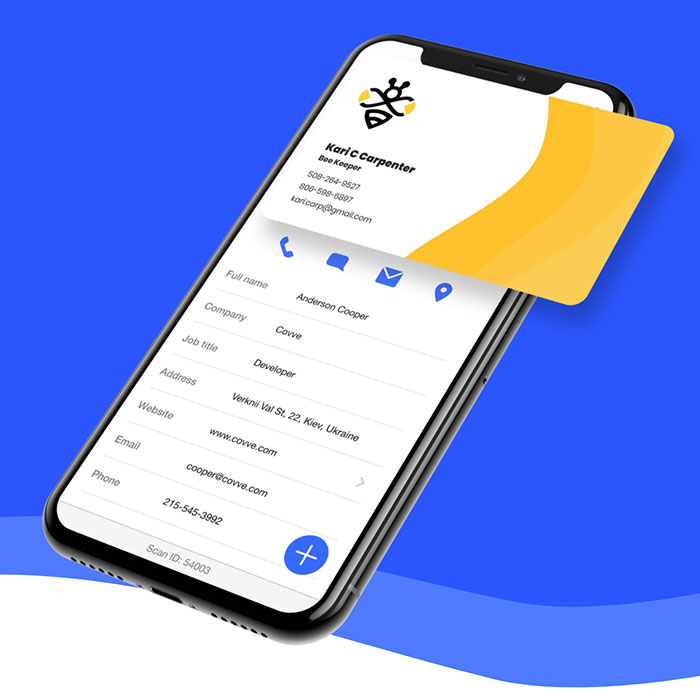
Covve takes a different angle. While they have a digital business card feature, their main strength is their scanner and relationship management tools.
It feels more like a personal CRM than a digital business card app.
Key Features of Covve
- AI Scanner: Very accurate scanning of physical paper cards.
- Reminders: Prompts you to reach out to contacts you haven’t spoken to.
- News Alerts: Notifies you if a contact’s company makes the news.
What We Like About It
The focus on the long game is smart. Networking isn’t just about the first meeting. We appreciate how Covve tries to help you keep the relationship alive. The scanner is also one of the best we have tested for accuracy.
Things to Consider
The digital business card itself feels secondary. It is a feature inside a scanner app, rather than the main event. For a team that just wants a simple way to share info, the CRM features might be overkill or distracting.
Our Take on Covve
If you are a consultant or a solo agent who needs help remembering to follow up, Covve is a strong tool. It is less about branding and more about personal organization.
– How CRM Helps Online Course Creators Increase Enrollment
4. Linq: Best for NFC Hardware
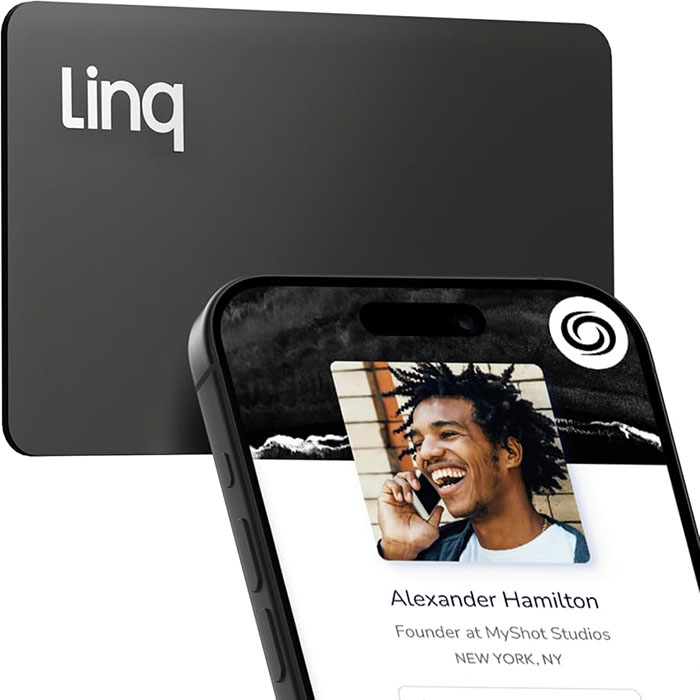
Linq is a popular player in the space, largely because of their hardware.
They offer a wide range of NFC products, from bamboo cards to Apple Watch bands.
Key Features of Linq
- Hardware Variety: Cards, hubs, tags, and wearables.
- Customizable Pages: Their profiles act like mini landing pages.
- NFC Tech: Tap to share functionality.
What We Like About It
The “wow factor” is there. Pulling out a custom card and tapping it on a phone is a cool parlor trick. Their page builder is also quite flexible, allowing for video embeds and more complex layouts than some competitors.
Things to Consider
We found the app to be a bit buggy at times. Reviews often mention crashes during updates. Also, managing NFC cards for a large distributed team can be a logistical pain. If an employee loses their card, you have to ship a new one.
Our Take on Linq
Linq is great for individuals who want cool gadgets. If you want to wear your digital business card on your wrist, go for Linq.
5. Vistaprint: Best for Printed Card Hybrid
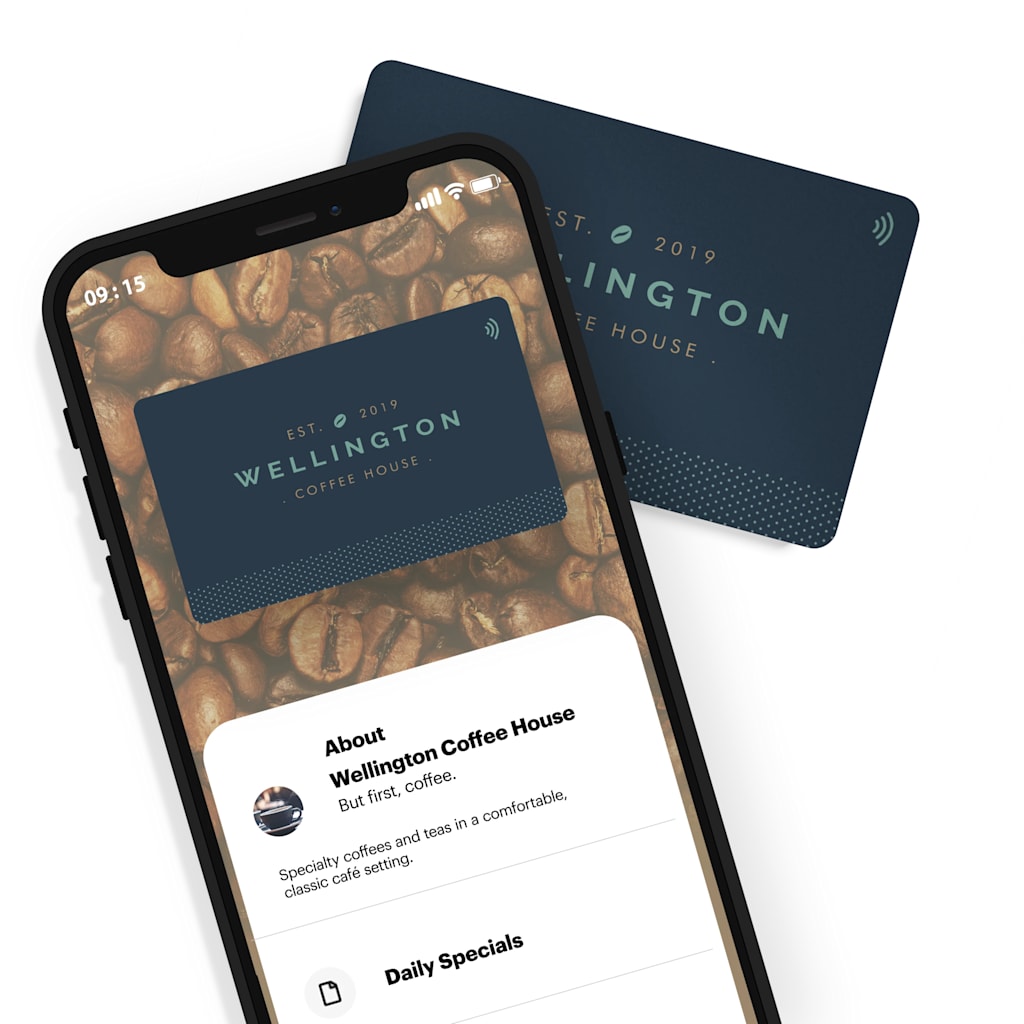
Vistaprint (now using VistaConnect) is the giant of the printing world.
They have added a digital layer to their physical offerings. This is a bridge for people who are not ready to go fully paperless.
Key Features of Vistaprint
- Paper + Digital: Get high-quality paper cards with a QR code or NFC chip.
- No Subscription: Often sold as a one-time purchase with the cards.
- Trusted Brand: You know exactly what you are getting.
What We Like About It
It is easy. If you are already ordering flyers and mugs from them, adding a connected card is simple. There is no new software to learn. It is a safe entry point for traditional businesses.
Things to Consider
The digital experience is very basic. You do not get advanced analytics, lead capture forms, or team management dashboards. It is essentially just a link to your contact info.
Our Take on Vistaprint
Stick with Vistaprint if you still hand out 500 paper cards a year and just want a digital backup.
– Learn what your personas seek and attract leads
6. HiHello: Great for Easy Team-Wide Digital Cards
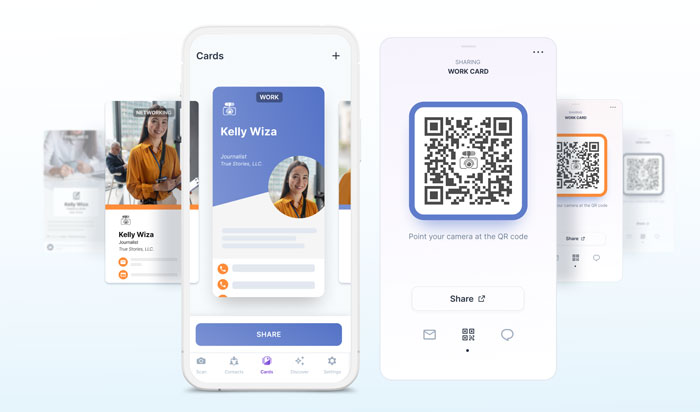
HiHello is a well-known digital business card app that focuses on simplicity and accessibility.
Instead of relying on physical NFC products, HiHello is built around fully digital cards that are easy to create, share, and manage — making it a strong option for remote and growing teams.
Key Features of HiHello
- App-Based Digital Cards: Create and share cards directly from the app or via web links.
- Multiple Sharing Options: Share via QR code, email, text message, or Apple and Google Wallet.
- Team Management: Admin tools for managing employees, roles, and contact details.
What We Like About It
HiHello is extremely easy to use. Cards can be created in minutes, and sharing them feels natural in both online and in-person conversations. The app works smoothly across iOS, Android, and web, which makes it accessible for teams using different devices.
Things to Consider
Customization options are more limited compared to some competitors. While the cards look clean and professional, they don’t offer the same level of advanced branding or page-building flexibility as more design-heavy platforms.
Our Take on HiHello
HiHello is a solid choice for teams that want a straightforward, no-friction digital business card solution. If your priority is ease of use and fast adoption across your organization — without dealing with physical NFC cards — It delivers exactly that.
7. Lynkle: Best for Self-Service Team Rollouts
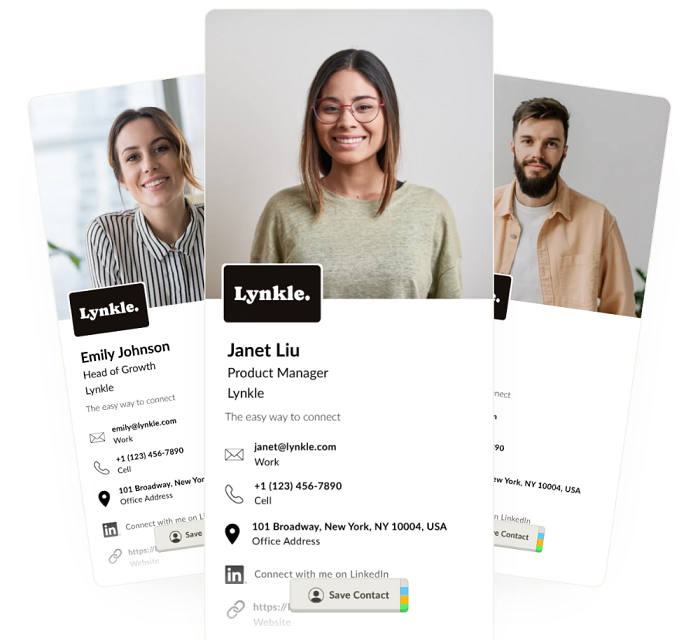
Lynkle offers digital business cards for teams and individuals that want to look professional, and start sharing quickly.
It offers fully digital setup, with branded cards, email signatures, lead capture, CRM-friendly contact syncing, and privacy controls.
Key Features of Lynkle
- Launch Without a Sales Process: It is possible to start a 30-day free trial, create a branded team template, and invite employees without waiting for a demo.
- Promotes Brand Consistency: Lock logos, colors, key fields, and email signatures so every card and email looks consistent across the team.
- Facilitates Follow-Ups: Let people share their details back when they view a card, so follow-up does not get lost.
- Private Card Sharing: Users share limited-access card links, so phone numbers and emails do not stay publicly available forever.
What We Like About It
Lynkle makes team rollout feel simple. A company can create templates for different teams or departments, invite employees, and give everyone a professional digital card quickly. We also like that it is software-first, so teams can share by QR code, link, Apple Wallet, Google Wallet, or NFC without ordering physical cards for every employee.
Things to Consider
Lynkle is 100% digital, so it does not sell physical NFC business cards like metal cards, wristbands, or accessories. That said, it is hardware agnostic: teams can use Lynkle with any NFC tag or card, including cards purchased from other providers.
Our Take on Lynkle
Lynkle is a strong option for growing teams that want branded digital business cards without enterprise complexity.
Advantages of Using Digital Business Cards
Great digital business cards are designed to be simple, secure, and scalable for modern teams.
Recipients don’t need to download an app to view your card — it opens instantly in any web browser, making sharing frictionless.
Since digital cards live on the web, compatibility is never an issue, and updates are reflected in real time.
From a business perspective, digital cards also offer strong security and cost advantages.
Enterprise-level platforms provide data protection standards such as SOC 2 compliance, while centralized admin dashboards make it easy to manage entire teams, control permissions, and enforce brand consistency through locked templates.
By eliminating printing and reprinting costs, companies can update thousands of cards instantly, saving both time and money.
Also, sharing a digital business card is flexible and efficient. Team members can distribute their cards via URL, QR code, email signatures, or mobile wallets like Apple Wallet and Google Wallet.
Best of all, there’s no need to invest in physical NFC cards — fully digital solutions scale far better for growing teams while keeping the brand professional and consistent.
– Step by step to build a brand for your business
How To Pick the Right Digital Business Card App

There are dozens of digital business card apps out there. We narrowed it down by looking at three things: Usability, Scalability, and Focus.
We looked at usability because nobody wants to read a manual to share a phone number.
At scalability because what works for a freelancer often breaks for a 50-person company. And at focus — is the company trying to sell you plastic trinkets, or are they building better software?
The market is splitting into two directions. On one side, you have fun gadgets and design tools for individuals. On the other side, you have business tools for teams.
If you are a freelancer or a single professional starting to sell online courses, Canva or Linq may be everything you need.
But if you are running a business that has a team and you need control and consistency, go for more robust tools.
Serving companies and professionals in more than 60 countries, Coursify.me is a dynamic, intuitive and customizable Learning Management System (LMS).
– What is a Learning Management System
Our eLearning platform is ready for you to enter your courses and create a fully customized page for your business.
In addition, we have an online support team ready to assist you and help you with any difficulty.
To know more, visit our website, test the platform and understand why we are the best option for your company.